To create a new entry in any master category, you must be in Conduct Mode. Follow these steps:
1. Log in to Conduct Mode: Ensure you are in the correct mode for creating and managing events.
2. Navigate to 'Masters': Find and select the 'Masters' section from the main navigation menu.
3. Select a Category: Choose the specific master category you want to add to, such as 'Department', 'Unit', 'Product', 'Terms & Conditions', 'Organization', or 'People Directory' .
4. Add New Entry: Click the 'Add New' button.
5. Enter Details: Fill in the required information for your new entry (e.g., the name of the new department).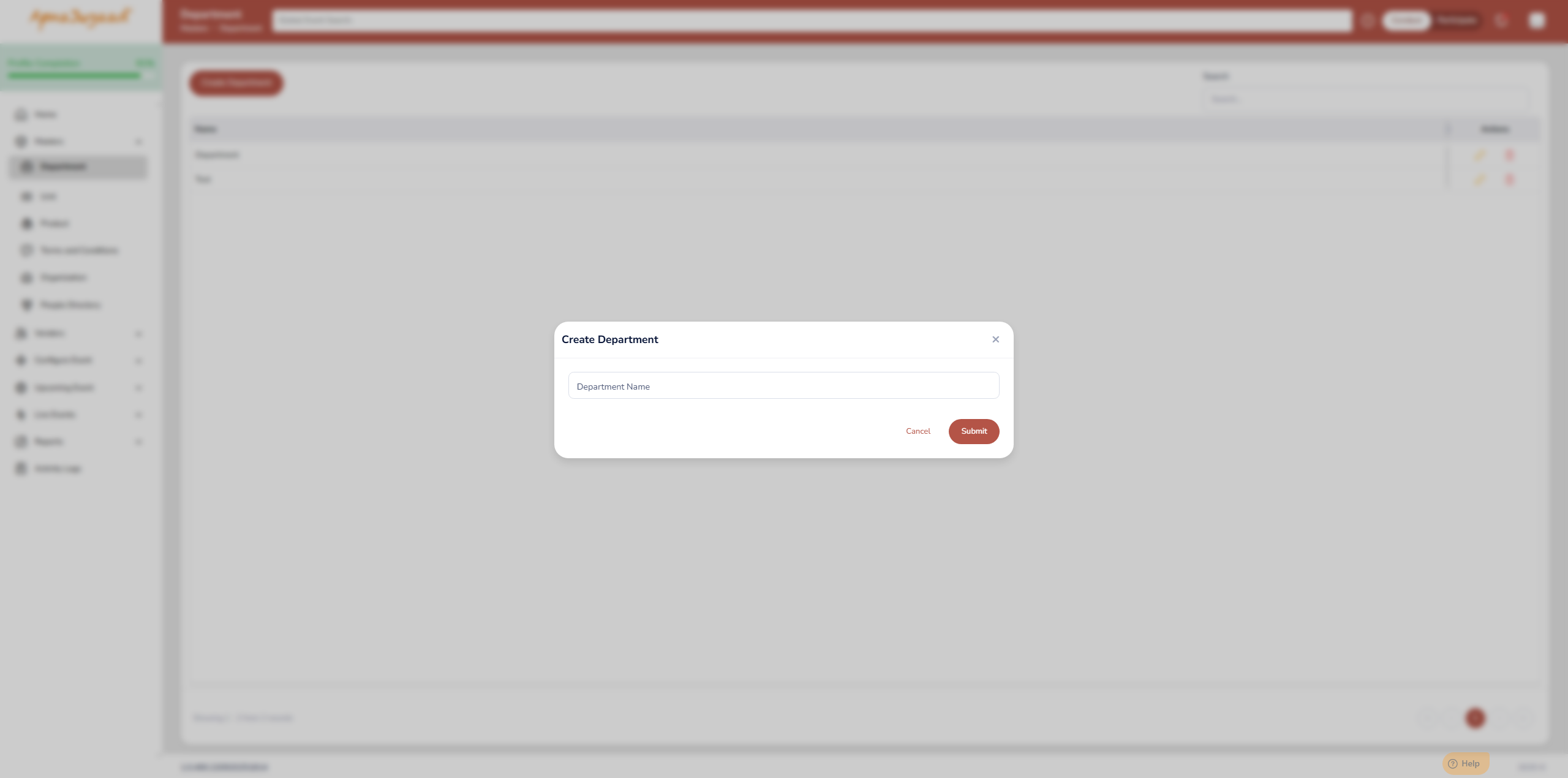
6. Save: Save the entry. It will now be available for use when you create future events, saving you time and ensuring consistency.
Was this article helpful?
That’s Great!
Thank you for your feedback
Sorry! We couldn't be helpful
Thank you for your feedback
Feedback sent
We appreciate your effort and will try to fix the article