Update Your Profile Information:
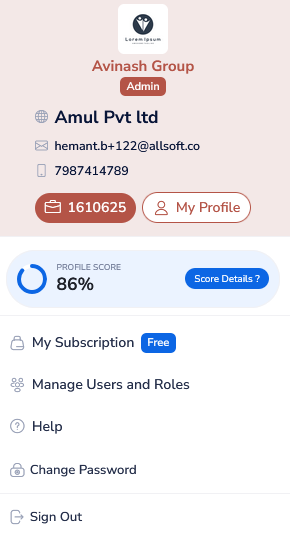
Step 1: After logging in, navigate to the 'My Profile' section. This is your personal hub where all of your contact and business information is stored.
Step 2: Review and update your details as needed. You can change your general details, contact details, product group, tax details, product details, additional details, about organization, upload certificates, and settings.
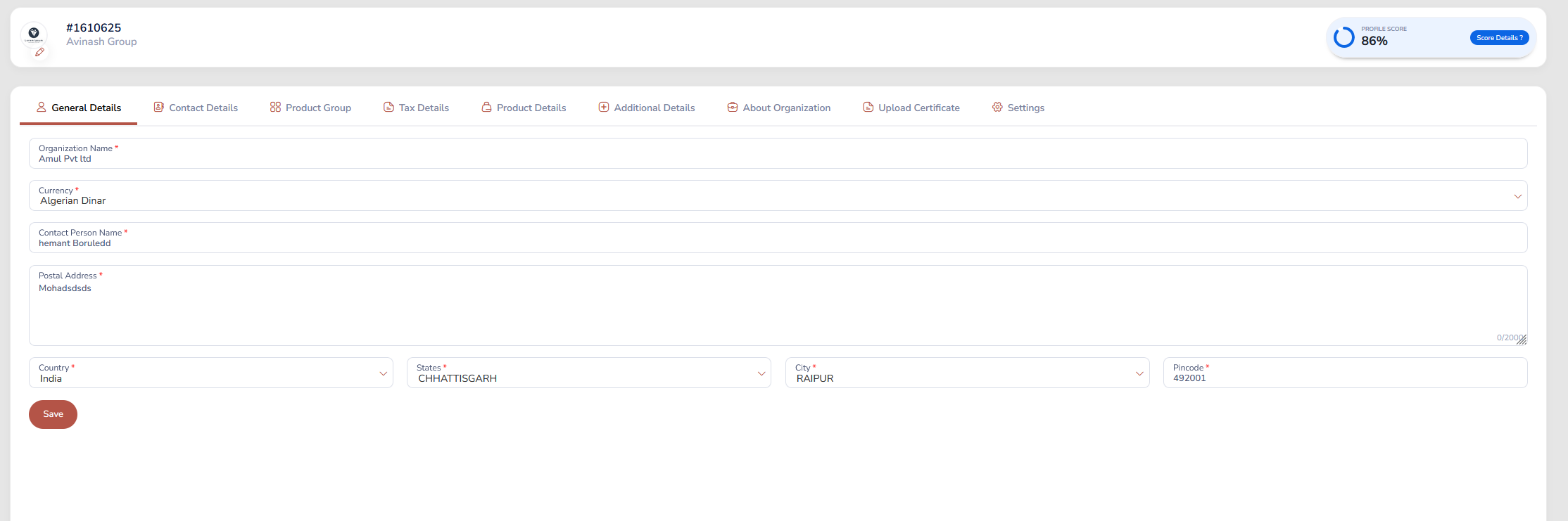
Step 3: Once you've made your changes, click 'Save' to submit your updates.
Was this article helpful?
That’s Great!
Thank you for your feedback
Sorry! We couldn't be helpful
Thank you for your feedback
Feedback sent
We appreciate your effort and will try to fix the article