Steps to assign order to specific product categories:
- When you are creating or editing a product, you can easily assign it to a category.
- You will see a dropdown list labeled 'Product Group' in the product details screen.
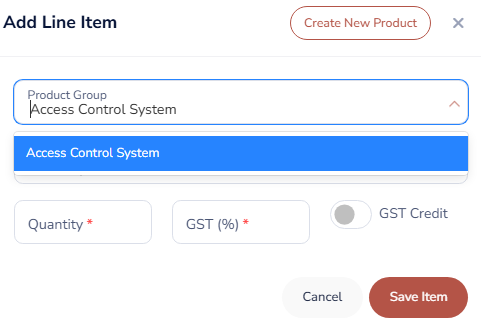
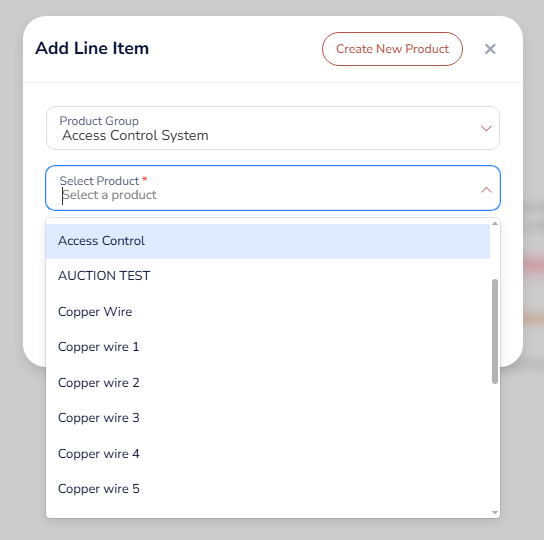
- Simply select the appropriate category from this list. This action assigns the product to your chosen category, making it easier to manage and find later.
Was this article helpful?
That’s Great!
Thank you for your feedback
Sorry! We couldn't be helpful
Thank you for your feedback
Feedback sent
We appreciate your effort and will try to fix the article